Options Strategy Visualizer
Pressure-test options ideas with P/L curves, strike adjustments, and scenario checks before you place a trade or save it for review.
Scenario testing
The visualizer shows how a position can behave over time so you can test payoff shape before you commit capital.
Adjust and compare
Change strikes, expiration, and structure to see how the graph and table respond before you finalize the trade idea.
Risk framing
Use the visualizer to check whether the setup still fits your yield target, downside tolerance, and contract count assumptions.
Best used after screening
This page is most useful after the scanner has narrowed the field and you need a stronger conviction step.
Pressure-test the setup before it reaches your account
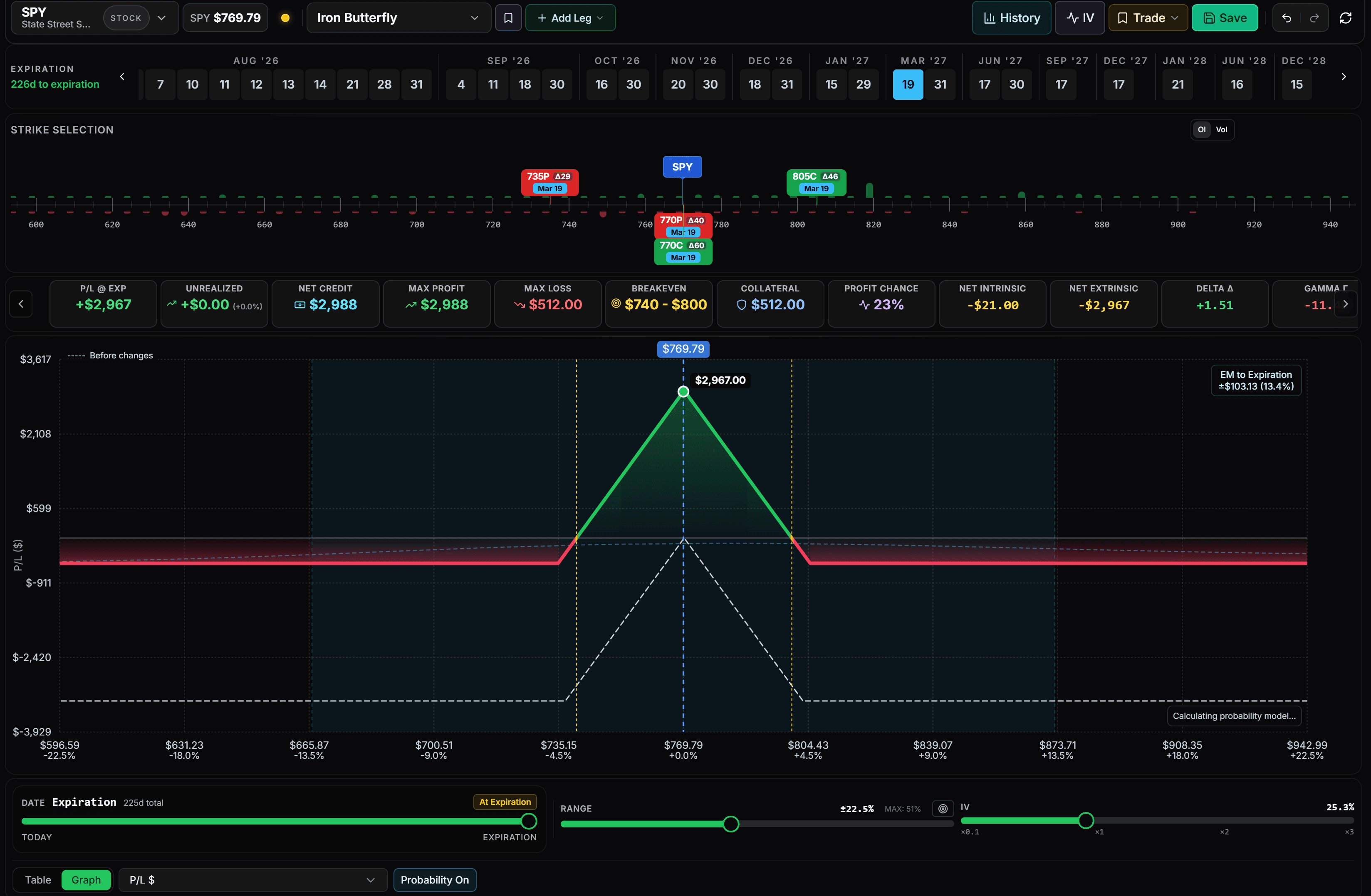
The Strategy Visualizer turns a trade idea into a clear payoff curve with P/L, breakeven, Greeks, collateral, and expiration controls in one workspace.
Quick Answers
Straight answers for traders using scenario modeling as the final conviction step before entry.
What should an options strategy visualizer help me test?Answer
It should help you test payoff shape, time decay, strike changes, and downside exposure before you commit capital to the structure.
Is the visualizer better before or after screening?Answer
It is strongest after screening, when you already have a shortlist and need to validate whether one setup still fits your rules under different scenarios.
Can the visualizer replace position sizing decisions?Answer
No. It clarifies trade behavior, but your sizing, capital allocation, and risk limits still depend on your own portfolio process.
Related Pages
Use these pages to move from a scenario test into a live workflow.